Back to Asset Tracking
Rate This Page
MobileAsset – Asset Tracking Solution with HC1 & WPL305 |
|
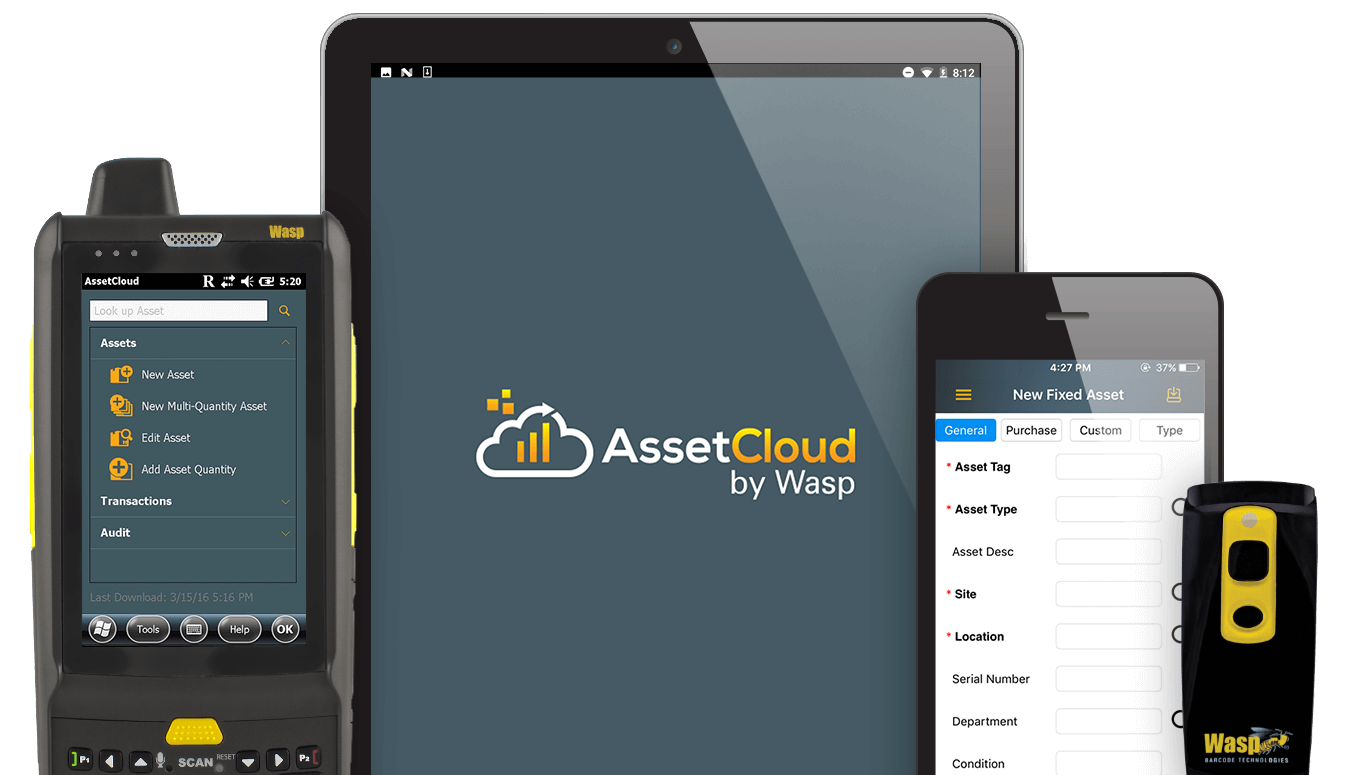
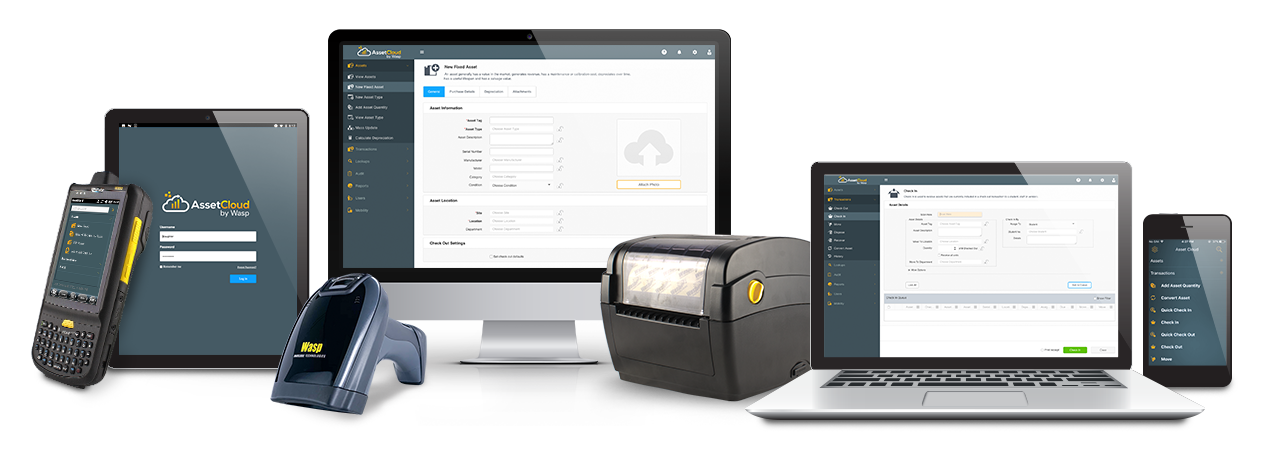
Easily and accurately manage assets with the Complete Mobile HC1 Solution. This solution features the rugged HC1 mobile computer, WPL305 desktop barcode printer, and Wasp MobileAsset software.
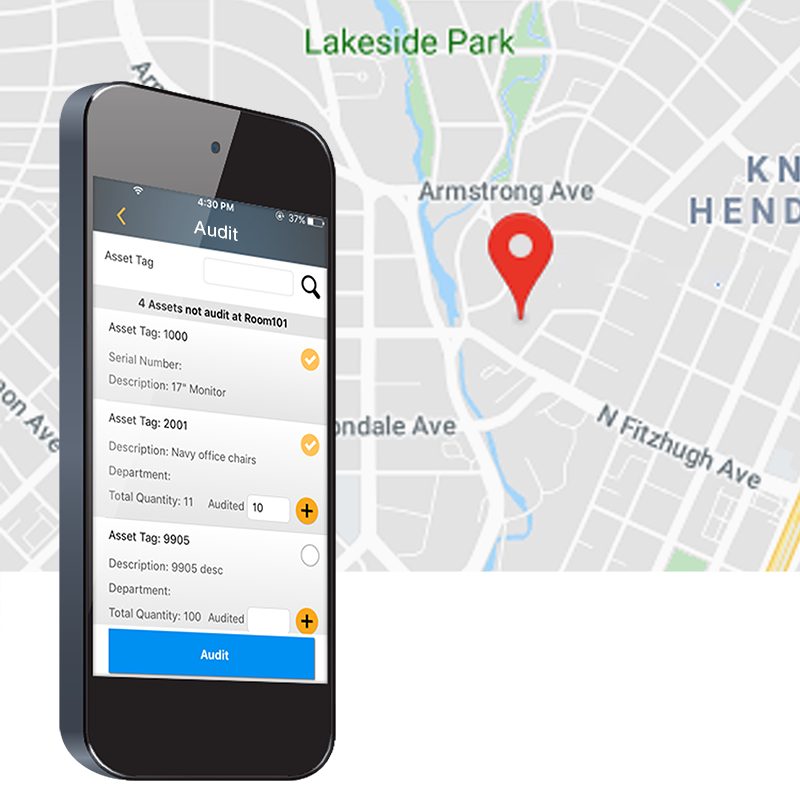
Accurately tracking your organization’s assets is simple and efficient with MobileAsset. Load the software on a PC and use your mobile license on the HC1 mobile computer. Use the HC1 to check assets in or out, perform audits in the field, and move, add, or remove assets. Then sync back to your PC using the USB communication cable to instantly update the MobileAsset database. The WPL305 barcode printer allows you to print barcoded asset tags, location labels, and employee badges.
MobileAsset - Asset Tracking Software
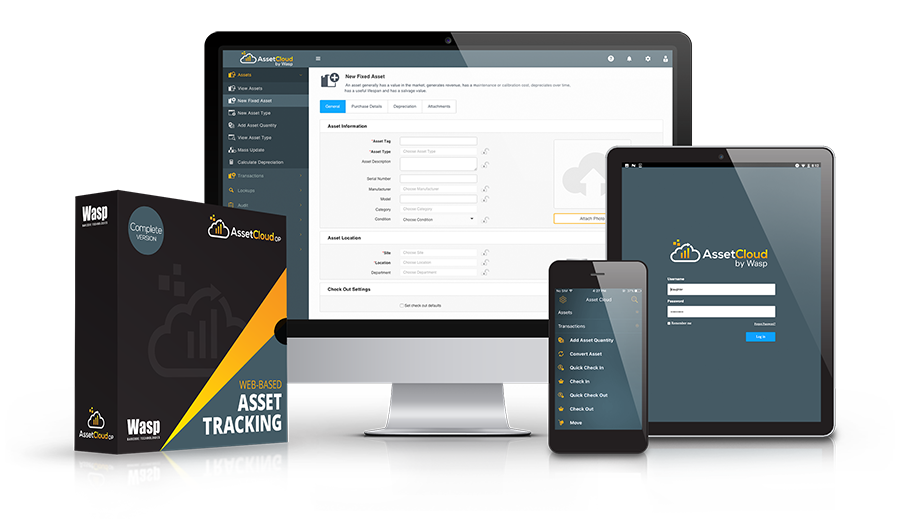
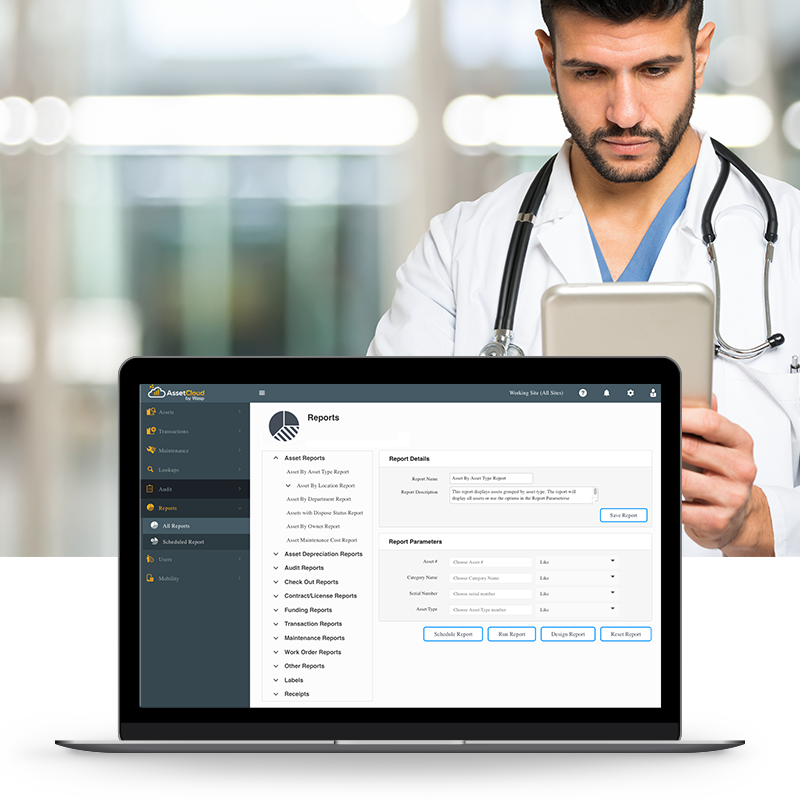
Easily track valuable organizational assets with Wasp MobileAsset. MobileAsset allows you to capture important information about each asset, including location, check-in and check-out, maintenance schedules and cost, warranty contracts, and depreciation. The data you need to make informed business decisions is instantly accessible in 48+ management reports.
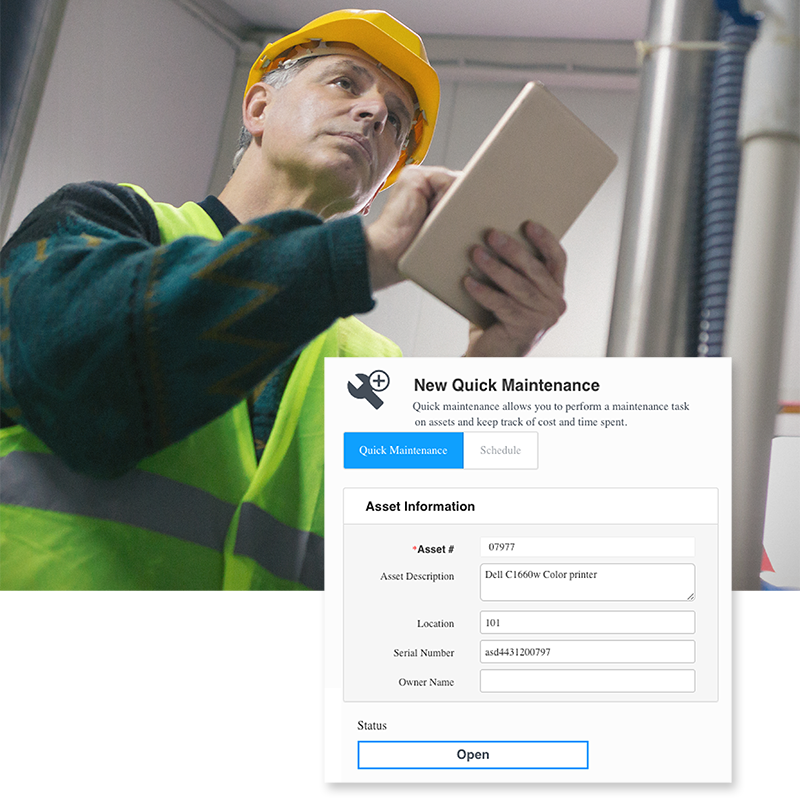
MobileAsset takes asset management to a higher level, giving you the ability to save time and money, end asset loss, improve equipment maintenance, and more accurately compute taxes based on depreciation schedules. This asset tracking solution is designed to meet the demands of your application, while remaining simple enough to master right out of the box.
MobileAsset is ideal for managing assets in government and education, healthcare and small to mid-sized companies. Commonly tracked assets include:
The HC1 mobile computer is ideal for use in field service, retail, hospitality, and logistical environments. Rugged construction enables the HC1 to withstand multiple 5’ drops to concrete and provides an IP65 rating for protection against dust and water. Easily collect and view data with the 3.8 inch Wide VGA transflective color touch screen, 44-key QWERTY keypad, and integrated laser scan engine. The HC1 features a Windows Embedded Handheld 6.5 operating system, for fast, reliable performance
The WPL305 desktop barcode printer offers direct thermal and thermal transfer technology in a compact footprint. Create long-lasting asset tags and location labels to improve asset tracking efficiency. Featuring USB, serial and parallel connectivity, the WPL305 offers easy installation. User-friendly clamshell design makes it simple to load and change media and ribbons.
This ready-to-use asset tracking solution includes:
System Requirements
PC System Requirements
Mobile Computer Requirements
Wasp MobileAsset supports Windows® Embedded Handheld, Windows Mobile, and Windows CE devices only*.
*MobileAsset v6 does not support Palm devices.
Benefits
Features
Manage Your Organization’s Assets
Create Barcode Labels
Access Information Quickly and Securely
Use MobileAsset with Ease
Mobile Computer Capabilities
*MobileAsset Standard includes 1 mobile license. Additional mobile licenses are available separately.
Ensure that MobileAsset is the right solution for your organization with a free software trial. Select from trial methods including instant online product trial, 30-day trial CD, and 30-day trial download.
![]()
Don't know which mobile computer to pick? Mobile computer comparison chart
MobileAsset – Quick Start Guide

Wasp offers a variety of videos to help make your buying process easier and help make getting started quick and easy.
In less than 4 mins. get a quick product tour of the key features of MobileAsset and see it in action.
|
View customer success videos and see how our solution helped solve other customers' business neeeds and learn about the ROI they received.
|
Get a more in-depth view of the hardware products that are available in a complete asset tracking solution.
|
Get a more in-depth view of the mobile devices that are available in a complete inventory tracking solution.
|
When you’re ready to begin learning the basics about MobileAsset, including a product overview, key terms and definitions, and how to set up the database, watch our on-demand videos or attend a free online training video.
|
Ready for more in-depth coverage of specific topics in MobileAsset? The MobileAsset tutorial video covers advanced topics including asset types, depreciation classes, linking assets, and maintaining assets and contracts. The tutorial is divided into chapters, so you can skip straight to the topics you need assistance on.
|
Watch in-depth step by step instructions on how to use, clean, and change media in the Wasp WPL305 printer. The tutorial is divided into chapters, so you can skip straight to the topics you need assistance on.
|