





Wasp Barcode Scanners for Inventory and Asset Tracking

Fast, accurate, reliable scanning with corded and cordless 1D and 2D barcode scanners.

Boeing
Sony
toyota
kohler
Disney

Which barcode scanner fits your needs?

Compare our two most popular scanner types to see which one works for you.

1d-barcode-scanner

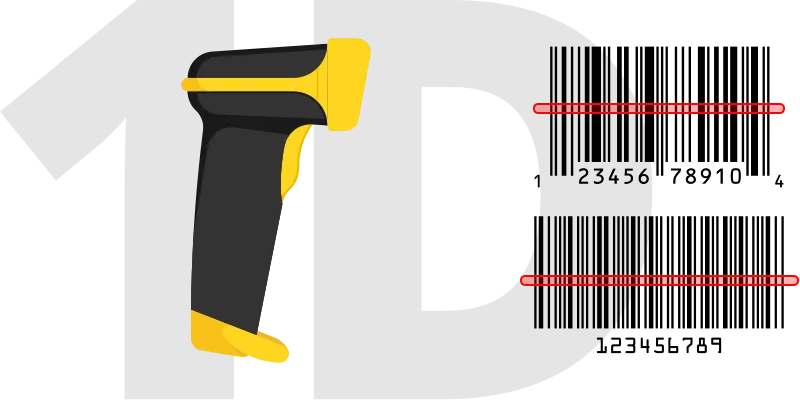
1D Laser Scanners

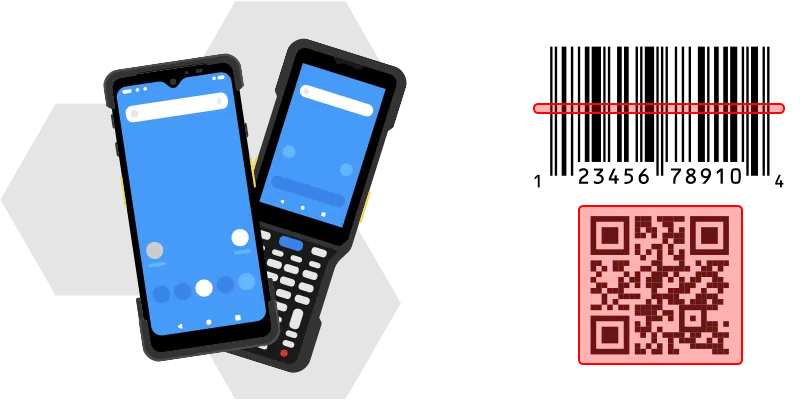
Laser scanners use a sharp beam of light to read 1D barcodes such as UPC, Code 128, and Code 39. They’re simple, reliable, and widely used across everyday tasks.

Key Benefits

  • Reads 1D barcodes
  • Budget-friendly and a common choice
  • Typical range: about 2 to 3.5 feet
2d-barcode-scanner.

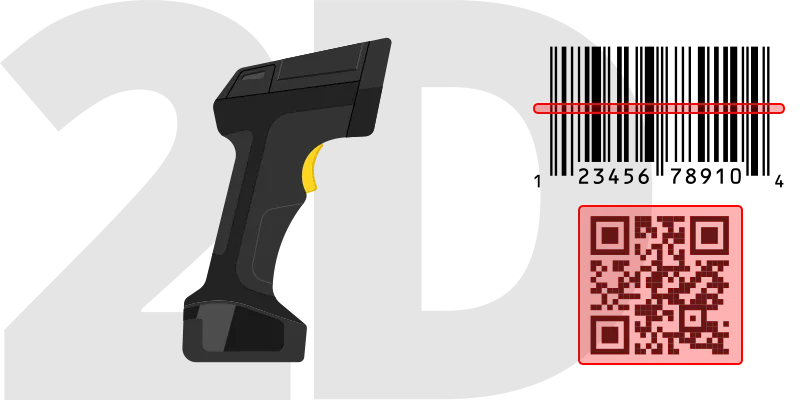
2D Imager Scanners​

Imager scanners take a picture of the barcode and decode it quickly. They read 1D and 2D barcodes such as QR and Data Matrix, whether printed or on a screen.

Key Benefits

  • Reads both 1D and 2D barcodes
  • Scans printed and on-screen codes
  • Typical range: about 3 feet or more

CCD Scanners

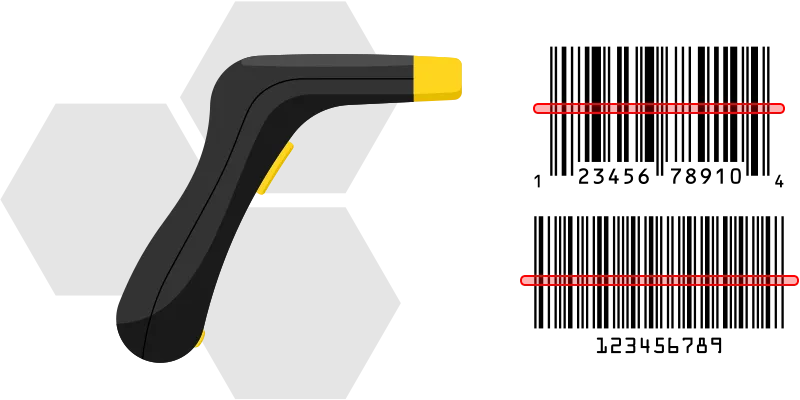
Works well for close-range 1D scanning. Reliable for steady reads in checkout or point-of-sale setups.

Key Benefits

  • Reads standard 1D barcodes
  • Reliable for close-range scanning
  • Commonly used in retail and check-out environments

Smart Scanners (Mobile Computers)

Smart Scanners are Android mobile computers with built-in 2D barcode scanning and wireless connectivity. Check items in and out, perform audits, and update records in real time from a single handheld device.

Key Benefits

  • Reads 1D + 2D barcodes
  • Android OS with on-device apps
  • Available in gun, brick, PDA, and tablet form factors

The Wasp Platform

Barcode scanners, tracking software, and support from one vendor

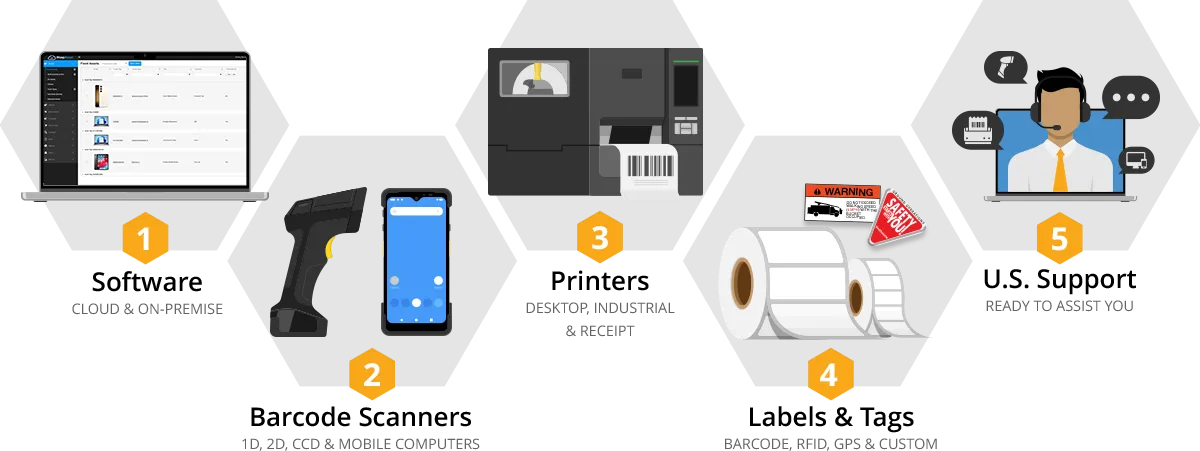
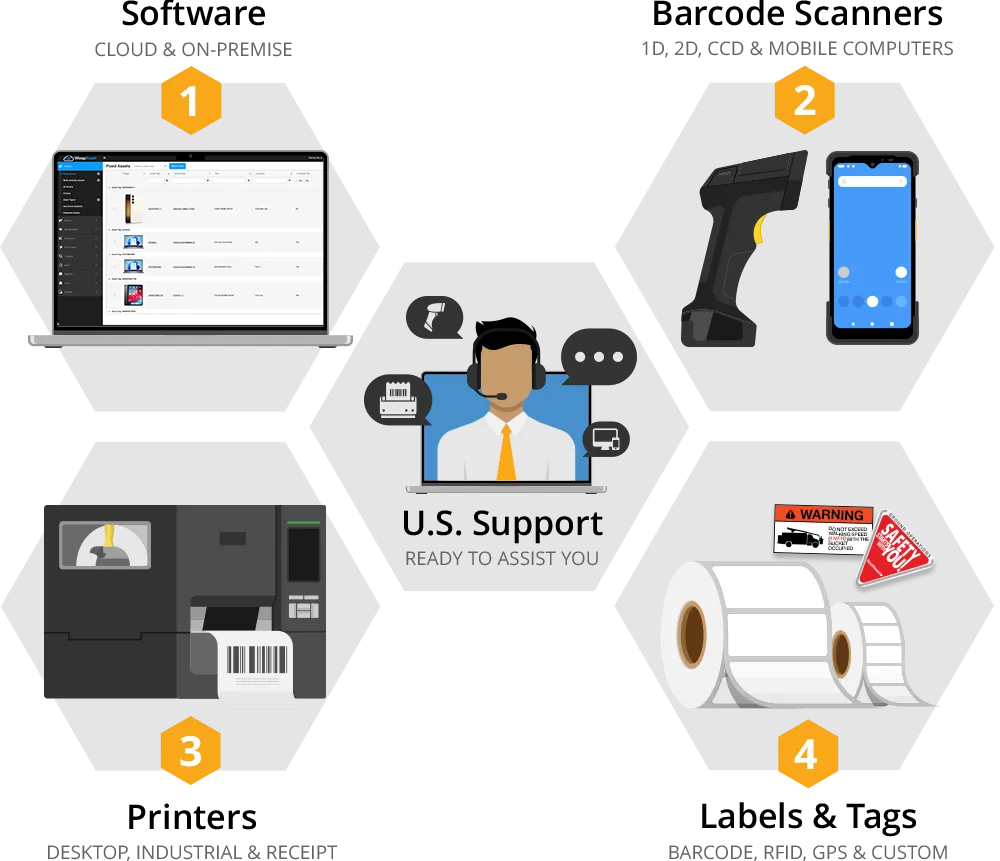
Wasp barcode scanners are a part of a complete tracking platform which includes tracking software, scanners, printers, labels, tags, RFID, GPS, and U.S.-based support from one team.

Outcomes

Real results across your business.

Less time searching. Better visibility. Fewer manual processes.

780

hours saved annually

Edward Waters University eliminated procurement waste with Wasp Asset.

96%

Fulfillment Rate

Al Rugaib Furniture eliminated manual processes with Wasp Inventory.

$97K

Annual Savings

Environment Agency achieved full tool visibility with Wasp Asset.

From Wasp Customers.  Your results may vary by industry, scale, and deployment. 

What customers say

Rafael A.

IT, Education Management

Full StartFull StartFull StartFull StartFull Start

"From the moment we implemented their barcode scanners and inventory management software, we noticed a significant improvement in our operational efficiency. The software is intuitive, making it easy for our team to adapt and start seeing the benefits right away."

Rohan S.

Infrastructure and Security Manager

Full StartFull StartFull StartFull StartFull Start

"It is an easy to use platform. All components required for an asset management tool are available on this platform ranging from software to hardware components."

Jack M.

Director of IT Financial Services

Full StartFull StartFull StartFull StartFull Start

"Better inventory system. Barcoding capabilities. Local scanner features. This is a professional grade product. I would recommend this to any IT manager or person in charge of inventory. Works really well."


Let Us Show You How It Works

Request a free Wasp tracking solution consultation.

Frequently Asked Questions

What is a barcode scanner?

A barcode scanner is a device that reads a barcode and sends the data into your computer, POS system, or tracking software. Instead of typing product numbers, SKUs, or asset tags manually, users can scan a barcode to capture information faster and with fewer errors. Barcode scanners use either a laser or camera-based scan engine to read the barcode, decode the data, and transmit it to a connected device over USB, Bluetooth, or wireless connection. Most modern barcode scanners can read both traditional 1D barcodes and newer 2D barcodes such as QR codes.

A 1D laser scanner reads traditional linear barcodes such as UPC, EAN, Code 128, and Code 39 commonly found on product packaging and shipping labels. It uses a laser beam to scan the barcode and is typically a lower-cost option for basic barcode scanning. A 2D imager scanner uses a camera-based scan engine to capture and decode both 1D and 2D barcodes, including QR codes, Data Matrix, and PDF417 barcodes. Imager scanners can also read barcodes from phone or computer screens and often perform better with damaged or poorly printed labels. If you only scan standard printed barcodes, a 1D laser scanner may be enough. If you need to scan QR codes, digital barcodes, or want broader compatibility long term, a 2D imager is usually the better choice.

Three questions usually settle it. First, what types of barcodes do you need to scan? If you only scan traditional printed barcodes such as UPC or Code 128 labels, a 1D laser scanner may be enough. If you scan QR codes, shipping labels, or barcodes on phone screens, you’ll want a 2D imager scanner. Second, where will the scanner be used? A basic corded scanner works well at checkout counters, front desks and packing stations. Warehouses, manufacturing floors, healthcare environments, and field operations often need more rugged scanners designed for drops, dust, and heavier daily use. Third, how mobile does your team need to be? Wireless scanners give employees more freedom to move around racks, carts, workstations, and receiving areas without being tied to a cable. Mobile computers, known at Wasp as smart scanners, combine barcode scanning and on-device data access for inventory counts, audits, picking, and other workflows performed away from a desk. Most businesses today choose 2D barcode scanners because they support both 1D and 2D barcodes and offer more flexibility long term.

A wired barcode scanner connects directly to a computer or POS system using a USB cable. Wired scanners are simple to set up, cost less than wireless models, and never need charging. They work best at fixed workstations such as checkout counters, receiving desks, packing stations, and stockrooms. A wireless barcode scanner connects using Bluetooth or a wireless receiver, allowing employees to move freely while scanning. Wireless scanners are commonly used in warehouses, manufacturing environments, healthcare facilities, classrooms, and other workflows where mobility matters. Some businesses also use mobile computers, known at Wasp as smart scanners. These devices combine barcode scanning and mobile computing in one handheld device and connect over Wi-Fi or cellular networks to run inventory, asset tracking, or warehouse applications directly from the device. The main difference is mobility and workflow. Wired scanners stay at the workstation. Wireless scanners allow more movement while still connected to a nearby computer or tablet. Smart scanners are designed for more advanced workflows that require real-time access to software while employees move throughout a facility.

Most barcode scanners connect over USB and work like a keyboard input device. When you scan a barcode, the data appears wherever your cursor is active, whether that’s a spreadsheet, POS system, inventory software, or web form. In many cases, setup is as simple as plugging the scanner into your computer and starting to scan. Wireless barcode scanners connect using Bluetooth or a wireless receiver and pair similarly to a wireless keyboard or mouse. Some systems may require specific scanner settings, such as barcode formats or scan modes. Most scanners include setup barcodes that let users quickly configure those settings by scanning a printed code once. Mobile computers, known at Wasp as smart scanners, work differently. These combine barcode scanning and mobile computing in one handheld device and typically connect over Wi-Fi or cellular networks to run inventory, asset tracking, or warehouse applications directly from the device.

In most cases, yes. Traditional wired and Bluetooth barcode scanners work with most software that accepts text input, including Excel, Google Sheets, QuickBooks, ERP systems, POS software, web forms, and other applications with a text field. The scanner sends barcode data the same way a keyboard types text, so most programs recognize it immediately without custom setup. For inventory management or asset tracking that require mobile scanning, custom scanner settings, or real-time updates, Wasp also offers smart scanners (mobile computers) and scanners tested to work with Wasp Inventory, Wasp Asset, and other Wasp software. That helps simplify setup and reduce compatibility issues between hardware and software.

Yes, but only with a 2D imager barcode scanner. Most modern 2D imagers can read barcodes directly from phone, tablet, and computer screens, including QR codes, mobile coupons, digital tickets, and shipping barcodes from email or mobile apps. Traditional 1D laser scanners are designed primarily for printed barcodes and often cannot reliably read barcodes displayed on screens. If your business scans digital barcodes from mobile devices, kiosks, or monitors, a 2D imager scanner is usually the better choice.

A handheld barcode scanner is designed to read barcodes and send the data to a connected computer, POS system, or tablet running your software. It handles the scan, but the connected device does the rest of the work. A smart scanner is a mobile computer that combines barcode scanning, wireless connectivity, and a built-in operating system in one handheld device. Instead of relying on a separate workstation, employees can run applications directly on the device to perform inventory counts, asset audits, item lookups, transfers, check-ins, and check-outs. In simple terms, a handheld scanner captures barcode data. A smart scanner lets employees scan and update records from anywhere. Smart scanners are commonly used in warehouses, manufacturing operations, schools, healthcare environments, and field service work where employees need real-time access to inventory or asset information away from a desk.

It depends on the environment and how the scanner will be used day to day. Office, retail, and front-counter workflows usually only require a light-duty scanner designed for occasional drops. Warehouses, manufacturing floors, shipping areas, and industrial environments typically need a more rugged device built to handle concrete drops, dust, moisture, and long shifts. Most scanners list both a drop rating and an IP rating. Drop ratings measure how far the device can fall onto concrete without damage. Standard business scanners are often rated for drops around 4 to 5 feet, while rugged warehouse scanners and smart scanners are commonly rated for repeated drops from 6 to 8 feet. IP ratings measure protection against dust and water. IP54 and IP65 are common for warehouse environments, while IP67 is designed for harsher industrial or outdoor conditions.

A barcode scanner by itself simply sends barcode data into whatever application is open on your screen. If you only need to enter information into a spreadsheet or POS system, that may be enough. To actually manage inventory or assets, you need software behind the scanner. Barcode software connects each scan to item records, quantities, locations, users, transaction history, and reporting. For example, Wasp Inventory helps businesses track stock, supplies, parts, and inventory levels, while Wasp Asset helps organizations track equipment, tools, IT assets, and check-in/check-out activity. Together, barcode scanners and software help reduce manual data entry, improve accuracy, and give teams centralized visibility into inventory and assets. Most operations beyond a single register move from scanner-only to scanner-plus-software within a few months.

flag-us.svg-flag

Purchase Request

Complete the short form below and one of our UK product specialists will be in touch to assist with your purchase.

Request a Quote

Complete the short form below and one of our product specialists will be in touch to provide comparable options.
Barcode icon

Notice

UK/EU/INTL. Notification

We see that you have items in your cart. Changing currency with an active shopping cart will result in those items being removed from your cart.

Purchases outside North America are transacted through our UK office directly. If you wish to continue browsing in USD, click the cancel button below or close this window, otherwise click Continue to switch currency.