
















CLOUD-BASED OR ON-PREMISE
Track inventory by lot number, expiration date, and location in one easy-to-use system.
Know exactly which lot you have, where it’s stored, and where it’s been used.
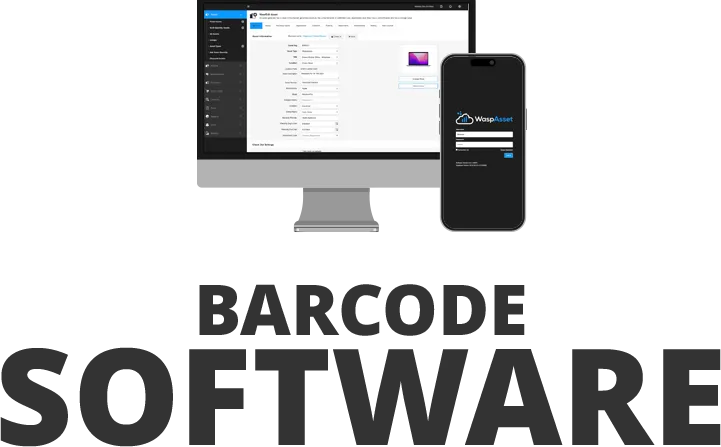
Wasp Inventory tracks lot numbers as part of normal inventory work, not as a separate process. Capture the lot or date code when inventory is received, carry it through putaway, picking, and shipping, and keep the full history in one system. Every scan updates the record, so the lot detail is there when you need to answer a recall or an audit question. Lot, date code, and serial number tracking are included in every version of Wasp Inventory. For production workflows, see manufacturing process management.
Wasp Inventory gives teams one centralized system to track inventory by lot number, batch, or date code. Replace spreadsheets with accurate inventory data, clear storage locations, and full lot history. Quickly identify affected products during recalls, monitor expiration dates, and maintain accurate records for compliance and reporting.
Fast, reliable scanning for receiving inventory, capturing lot numbers, and managing stock.
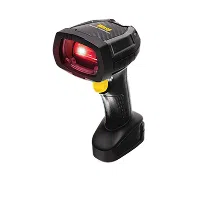
The Wasp WWS752 provides long-range wireless scanning so teams can capture lot codes from shelves, pallets, or high storage locations without slowing down operations.
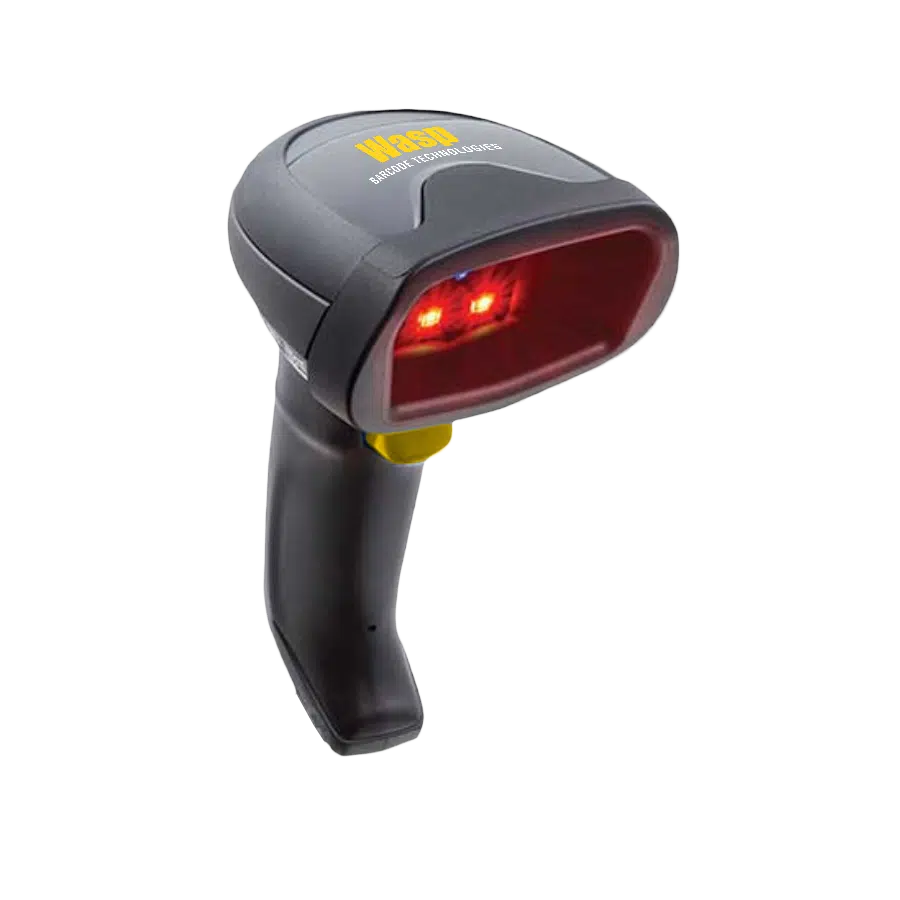
The Wasp WWS652 quickly captures 1D and 2D barcodes on product labels and packaging, making it ideal for accurately scanning lot numbers during receiving, inventory counts, and traceability checks.
Print barcode labels for products, packaging, and lot identification.
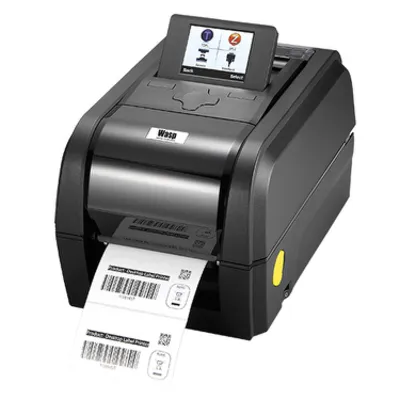
The Wasp WPL614Plus delivers fast, durable label printing for lot numbers, batch labels, and product identification, supporting high-volume labeling environments.
The WPL308Plus prints clear, durable barcode labels at high speeds, making it a reliable choice for labeling products, packaging, and inventory with lot numbers for accurate tracking and traceability.
Our product specialists help you choose, configure, and launch the right lot tracking system for your business.
Identify the right software, barcode scanners, and printers to support your tracking needs.
Wasp software, scanners, and printers can be configured to match your lot tracking workflows.
Receive setup and training support for a smooth implementation.
All About Kids Pediatrics needed a faster, more reliable way to document vaccine information, including lot numbers, expiration dates, and manufacturer details, while meeting strict safety and compliance requirements. Before implementing barcode technology, tracking this information manually could take up to 30 minutes per vaccination. By adopting Wasp barcode scanners, nurses now capture the vaccine lot number and required documentation in just three quick scans. The result reduced documentation time from 30 minutes to about 10 seconds, improved accuracy, and allowed staff to care for patients more efficiently.
Lot tracking software records which lot or batch each item came from, where it is stored, and where it has been used. Instead of looking through spreadsheets or paper records, you scan a barcode and the system keeps the lot number, date code, and location together. That record is what lets you answer a recall or an audit question quickly.
Wasp Inventory tracks each item by lot number, date code, or serial number as it moves through receiving, storage, and shipping. Every scan updates the record, so you have a full history of which lot went where. Lot and date code tracking is included in every version of Wasp Inventory.
During a recall, you need to identify every affected item fast. Wasp Inventory lets you search by lot number or date code and see exactly which items are affected and where they are stored, so you can isolate them instead of pulling entire product lines. The same records support compliance reporting and audits.
Record the lot number and the expiration or date code when inventory is received, then keep them on the item record with its storage location as it moves. Wasp Inventory does this at the scan, so teams can see what is approaching expiration, rotate stock before it becomes waste, and pull a lot-level history when a traceability rule such as FSMA 204 or an auditor asks for it. This matters most for food, beverage, pharmaceutical, and medical supplies.
Yes. Because the lot number travels with the item through receiving, storage, and shipping, you can trace a lot backward to the supplier it came from and forward to where it was used or shipped. That two-way trace is what makes a recall or a quality investigation manageable.
Yes, it is included. Lot and date code tracking, along with serial number tracking, is part of every version of Wasp Inventory. There is no separate traceability module or add-on required to track inventory by lot.