


MOBILE APP
Wasp Asset Mobile App
Track, update, and audit assets from your Android or iOS device
Manage Assets from the Field
Keep asset records accurate wherever work takes you
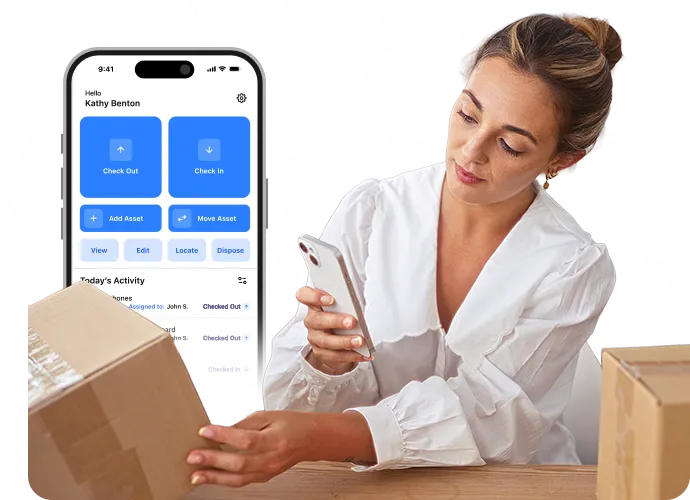
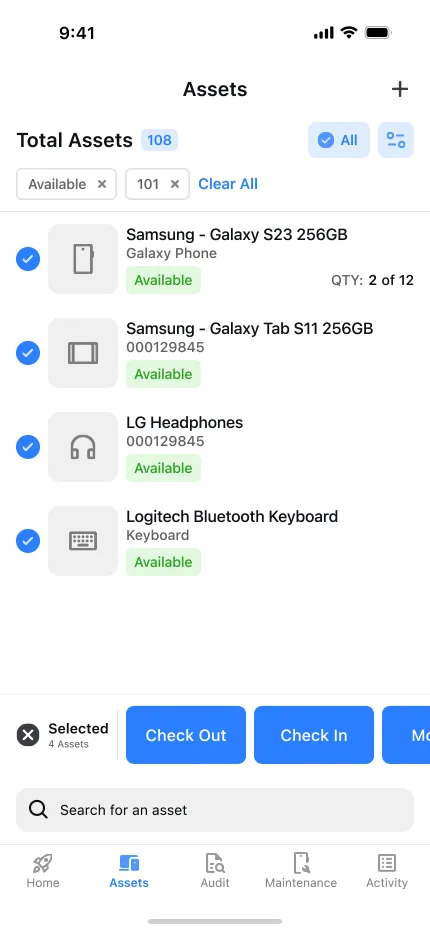
Whether you're in a warehouse, school, hospital, office, or job site, the Wasp Asset app lets you manage assets while on the go. Scan assets as you work so locations, assignments, and status stay current.
What You Can Do with the Wasp Asset Mobile App
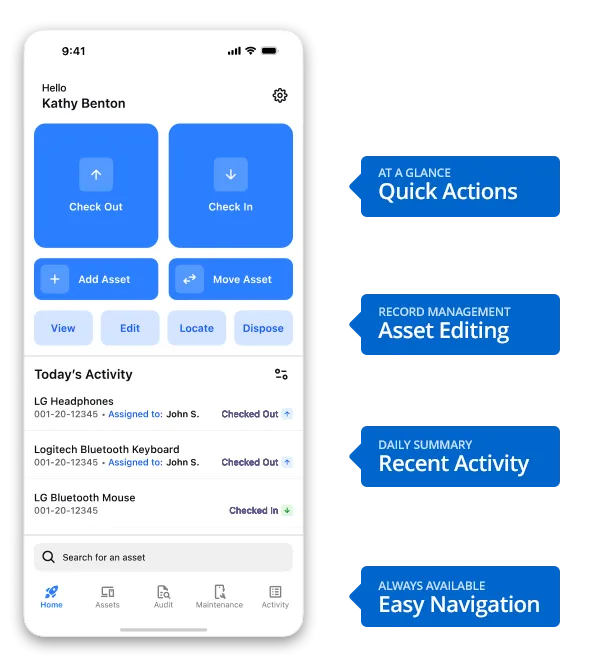
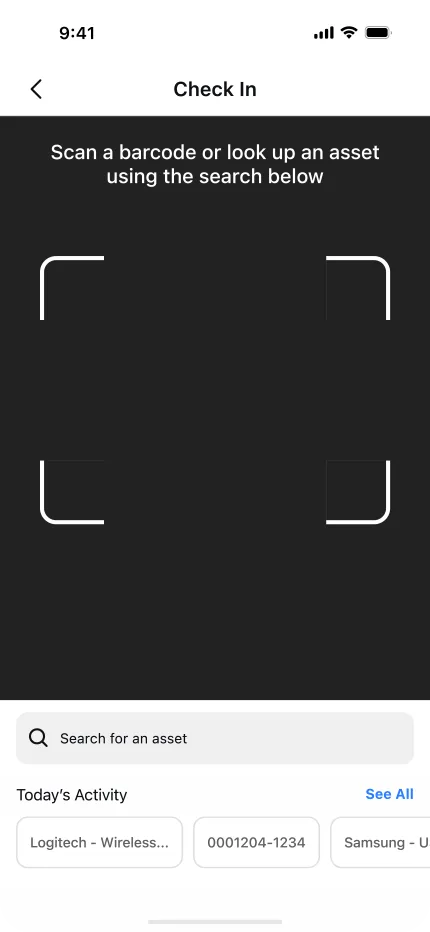
Move Assets Between Locations – Transfer assets between buildings, rooms, departments, or job sites with a barcode scan. Asset records update immediately after the transaction.
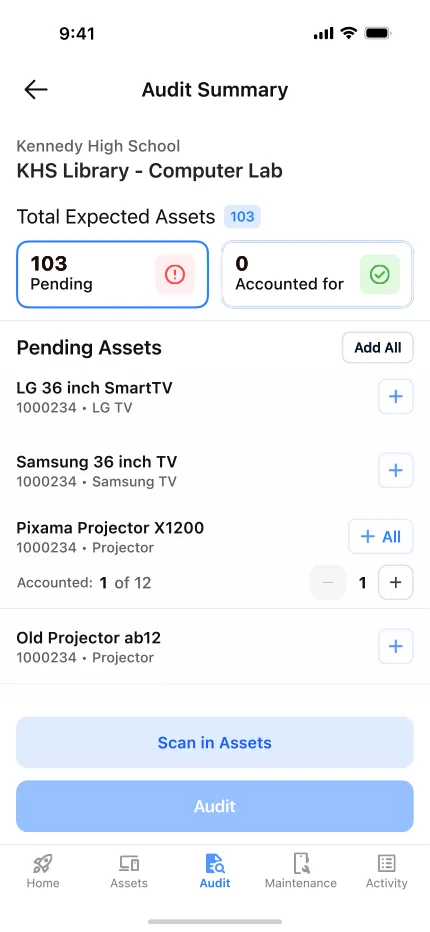
Perform Asset Audits – Verify what assets are physically present, identify missing items, and reconcile records with actual locations using your mobile device.
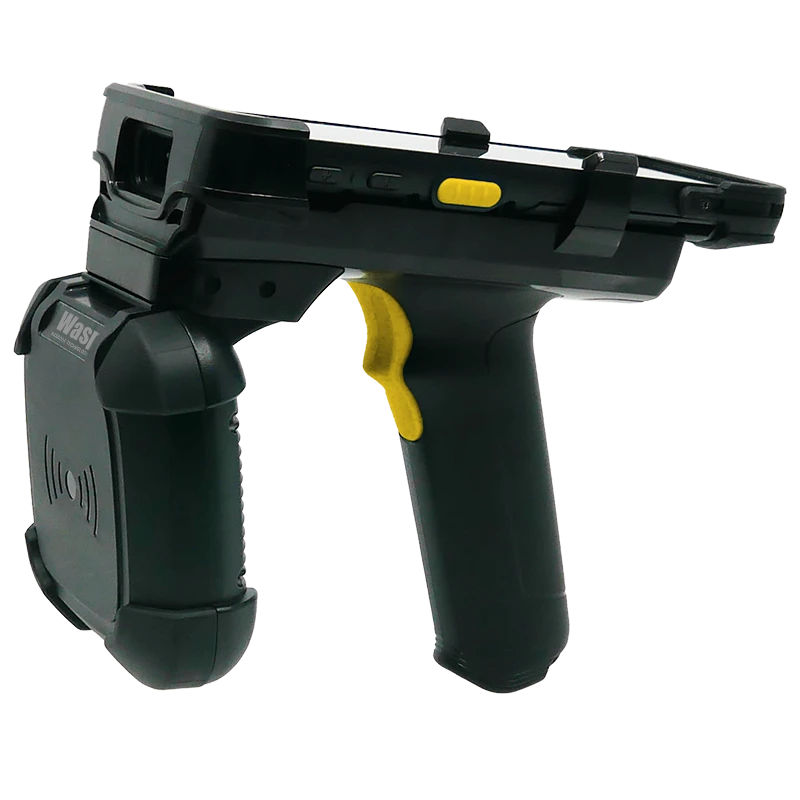
Manage RFID-Tagged Assets – Pair the Wasp Asset mobile app with the Wasp DR6 Smart Scanner, DR6 RFID Gun Grip, and an RFID license to locate, audit, move, check in, and check out RFID-tagged assets in bulk. Bulk RFID scanning significantly reduces the time required to complete asset audits.
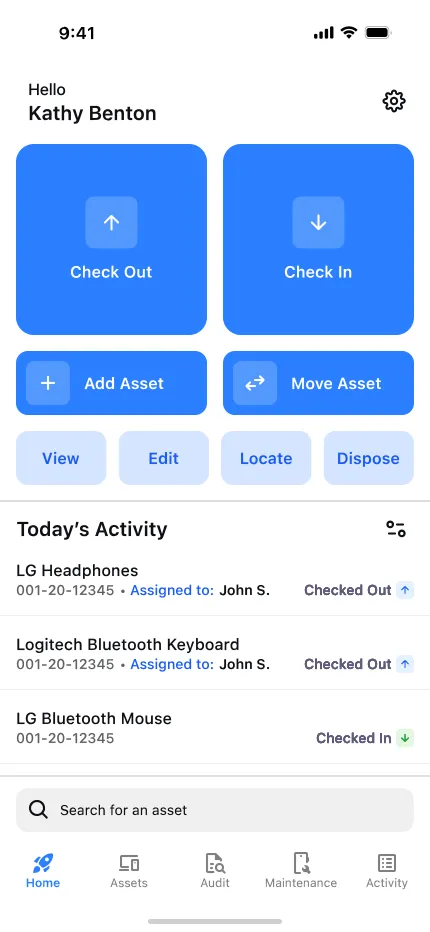
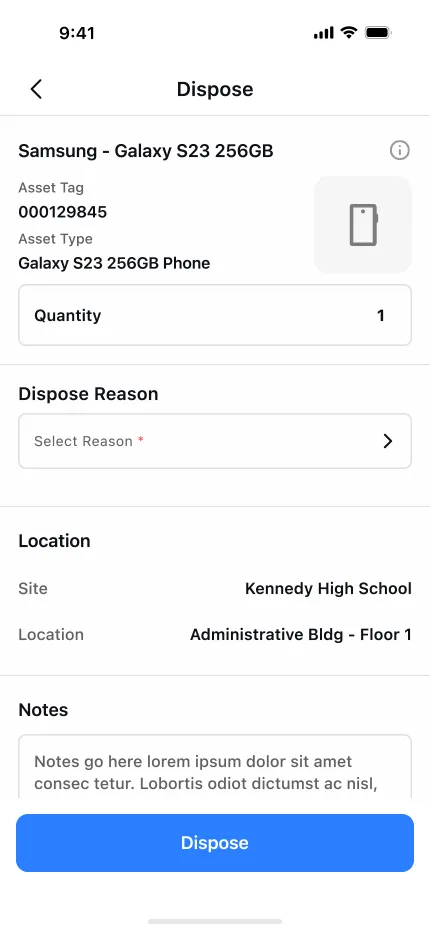
Update Asset Records – Create new asset records, edit existing information, update locations, or dispose of assets that are no longer in service.
Find Assets Quickly – Search by asset type, location, assignee, or status, or scan a barcode to open the correct record instantly.
Maintain a Complete History – Every transaction is recorded, creating a complete history of asset assignments, transfers, audits, disposals, and who performed each action and when.
Keep Working Without an Internet Connection – Continue auditing, scanning, and updating assets even when an internet connection isn’t available. Once connectivity is restored, your actions synchronize with Wasp Asset so your records stay up to date.
Key Features
Hardware Recommendations
Recommended Scanner
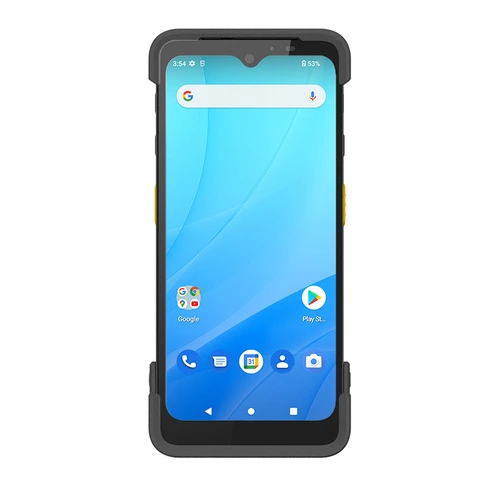
Wasp DR6 Smart Scanner (Mobile Computer)
Combines rugged durability with an integrated barcode scanner, making it the ideal companion for the Wasp Asset mobile app. Scan assets faster, complete audits more efficiently, and update records from anywhere.
Optional rfid accessory
Optional RFID Accessory
Add the DR6 RFID Gun Grip to locate, audit, move, check in, and check out RFID-tagged assets in bulk with the Wasp Asset mobile app. Read multiple RFID tags at once without scanning each asset individually.
Mobile App Reviews
Marcus
Source: Google Play Store
"The new app is significantly better. Much faster. I can scan a bunch of assets and then perform actions on them..."
Nick B.
Source: G2
"I like how Wasp Asset enables me to see the progress of a trip and the amount of items picked up on my phone instantly..."
Alexander N.
Source: Capterra
"The biggest pro to me is the ability to log into my asset management from any computer or mobile device..."
Frequently Asked Questions
Is there a Wasp Asset mobile app?
Does the Wasp Asset app work offline?
Yes. You can keep scanning, auditing, and updating assets without an internet connection. Once you’re back online, your changes sync with Wasp Asset automatically, so nothing is lost and your records stay accurate.
Can I scan barcodes with my phone, or do I need a separate scanner?
Yes. You can scan asset barcodes with your phone’s camera for everyday tracking. For high-volume barcode scanning, pair the app with the Wasp DR6 Smart Scanner, which combines a rugged design with an integrated barcode scanner. To scan RFID-tagged assets, you’ll also need the DR6 RFID Gun Grip and a Wasp Asset RFID license. Together, they enable bulk RFID scanning for faster audits and asset management.
Does the app support RFID?
Yes. RFID support requires a Wasp Asset RFID license, along with the Wasp DR6 Smart Scanner and DR6 RFID Gun Grip. Together, they let you locate, audit, move, and check RFID-tagged assets in and out in bulk. Scan multiple RFID-tagged assets at once to complete audits faster and manage large asset inventories more efficiently.
How do I get the Wasp Asset app?
Download it from the App Store or Google Play and sign in with your Wasp Asset tenant name, user name, and password to start scanning and managing assets from your phone.
Let Us Show You How It Works
Request a free walk through of the Wasp Asset mobile app.


